Left behind.
A way back to you.
A school bag in lost property. Keys left at the park. A sports bag after training. hierTAG gives the person who finds them a simple way to reach the linked owner, parent or guardian with a compatible NFC phone.
A clearer picture of your day.
School bags with an adult contact
Link a child’s bag to a parent or guardian contact. Give a finder a route to the right adult without needing the child’s name, school or home address printed on the bag.
Keys, bags and the things you carry
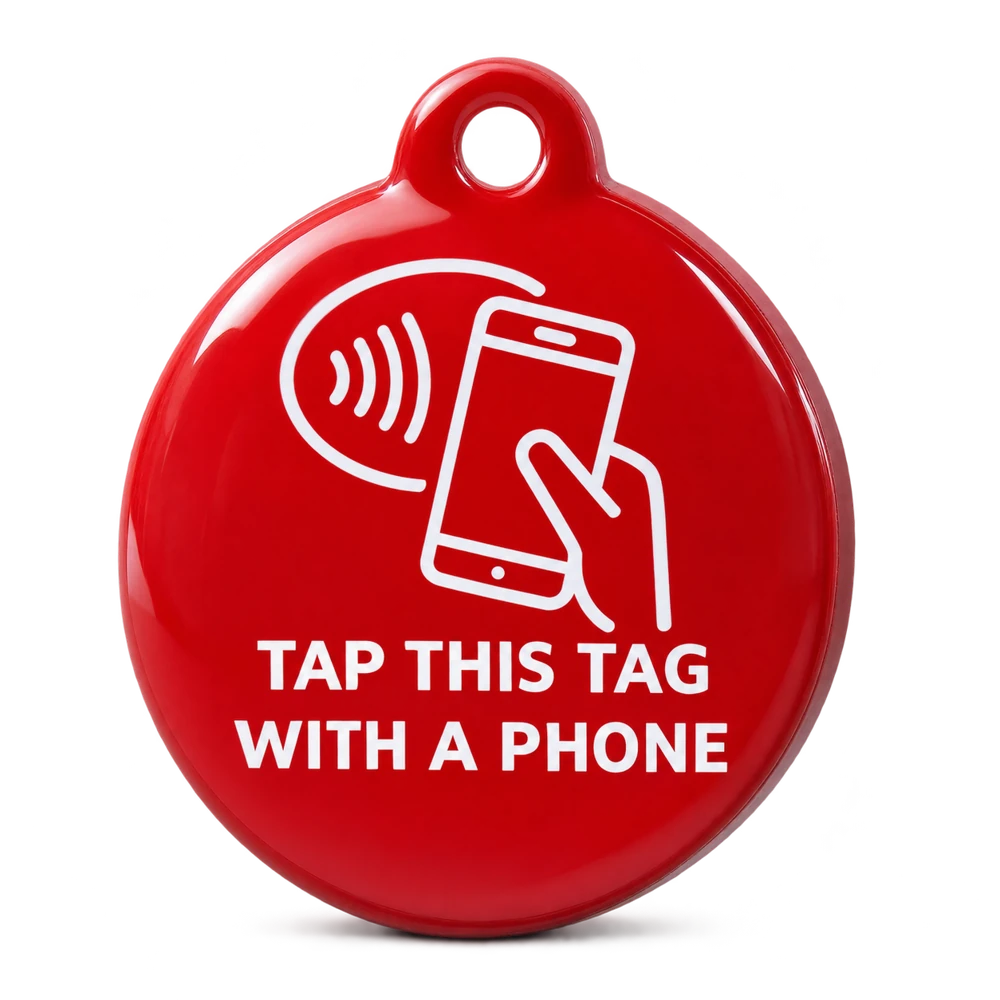
Add identification to keys, luggage, sports bags and other suitable belongings that can be left behind. A finder taps the tag to open its linked identification page and contact route.
A useful connection without charging
Battery-free NFC identification is ready for a finder to tap. It does not broadcast an item’s location or track a child’s movements.
Good connections start with a conversation.
Your route, your equipment and your way of working all matter. We’ll help you choose a practical setup.
hierTAG for everyday lost and found
Choose a tie-on tag for suitable bag loops and key rings, or a stick-on tag for a suitable clean, smooth surface. Link the item to the person who should receive a finder’s message.
Explore the productFrom an idea to a useful setup.
Choose the item and format
Tell us which bags, keys or belongings you want to identify and how a tag could attach.
Choose the right contact
Arrange the linked owner, parent or guardian contact and review the information a finder can access.
Attach, tap and check
Secure the tag in a suitable position and check the NFC tap and contact route before everyday use.
Good to know.
How can a finder contact a child’s parent?
Set the linked contact for the tagged item to a parent or guardian. A finder uses a compatible NFC-enabled phone and internet connection to open the identification page and send a secure message to the linked contact. Talk to the team about the contact setup.
Which tag suits school bags and keys?
The red tie-on model has a hole at the top for attachment to a suitable bag loop or key ring. The red stick-on model has no hole and suits appropriate clean, smooth surfaces. Check attachment and placement with the team.
Does hierTAG locate a lost bag or track a child?
No. hierTAG is a passive identification tag, not a GPS tracker. It cannot show a live location. Someone must find the item and tap the tag to use its contact route.
Does a finder scan a QR code?
No. The current tag designs have no QR code. A finder taps the tag with a compatible NFC-enabled phone; internet access is needed to open the linked page.